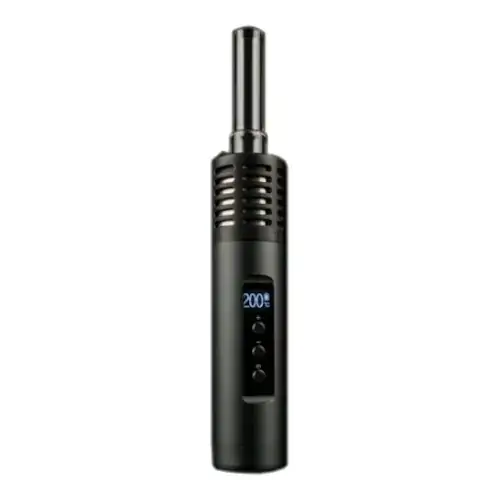
Arizer Air 2 Overview
Portable vape with a glass vapor path and swappable battery
Key Features & Benefits of the Arizer Air 2
What Comes with the Arizer Air 2?
- Arizer Air 2
- 18650 Battery
- USB Charger
- Silicone Stem Caps
- 70mm Glass Stem
- 70mm Glass Stem with Tip
- Belt-Clip Carrying Case
- Owner’s Manual
- Glass Dish
- String Tool
- Screens
Arizer Air 2 Pricing & Cost Analysis
Below are approximate prices for the Arizer Air 2 in various different currencies. These numbers are based on the average market rate for the device and are updated as regularly as possible.
 $254 USD
 €227 EUR
 $356 CAD
 $454 NZD
 £190 GBP
Where to Buy Arizer Air 2
Trying to find the best places to buy Arizer Air 2 online and in store? Check out our list of Arizer Air 2 retailers. Note that some links may be affiliates, supporting us at no extra cost to you. Compare different retailers to ensure you always get the best price for the Arizer Air 2!
 Trusted
| Device Type | Portable |
|---|---|
| Chamber Material | Glass |
| Brand | Arizer |
| Country of Manufacture | China |
| Temperature Range | 50°C-220°C |
| Dimensions | 122x29mm |
| Heat Up Time | 1-2 minutes |
| Battery Life | ~75 minutes |
| Heating Type | Hybrid |
| Power Adjustment | Digital Control |
| Battery Type | Swappable 18650 |
| Charging Connector | Micro USB |
| Passthrough Charging | Yes |
| Weight | 116g |
| Battery Capacity | 3200mAh |
| Charge Time | ~3 hours |
| Chamber Capacity | ~0.15g |
| Release Date | 2017 |
| Warranty | 2 years |
Arizer Air 2 Video
Compare Arizer Air 2 Against Similar Vaporizers
See how Arizer Air 2 compares with popular alternatives for vapor quality, portability, battery life, price, and everyday use.
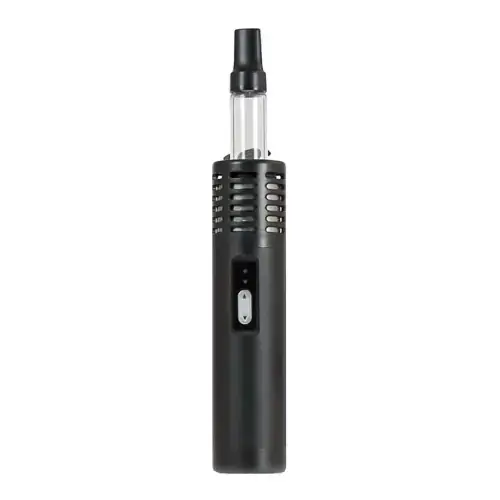 Arizer Air 2 vs Arizer Air Side-by-side specs and pricing context
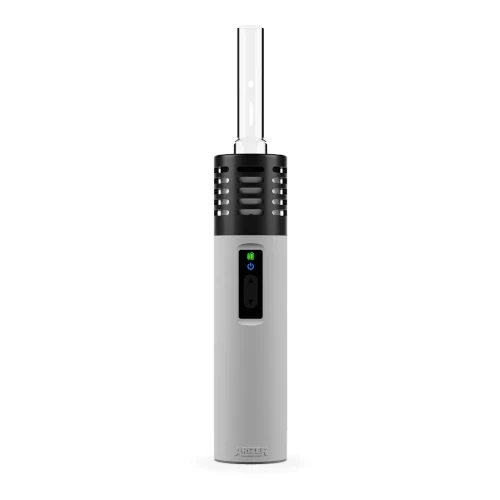 Arizer Air 2 vs Arizer Air SE Side-by-side specs and pricing context
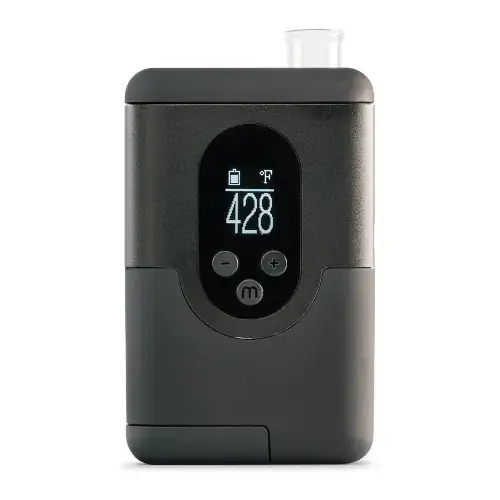 Arizer Air 2 vs Arizer ArGo Side-by-side specs and pricing context
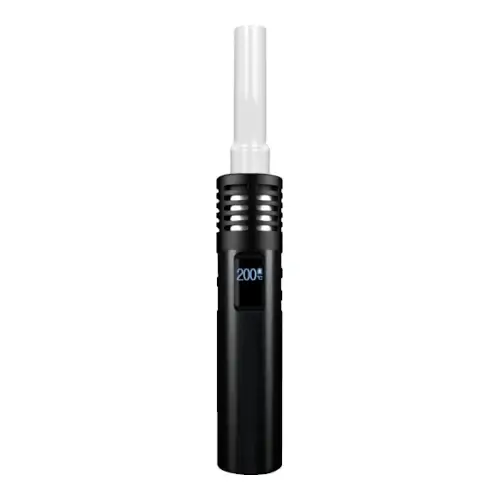 Arizer Air 2 vs Arizer Air Max Side-by-side specs and pricing context
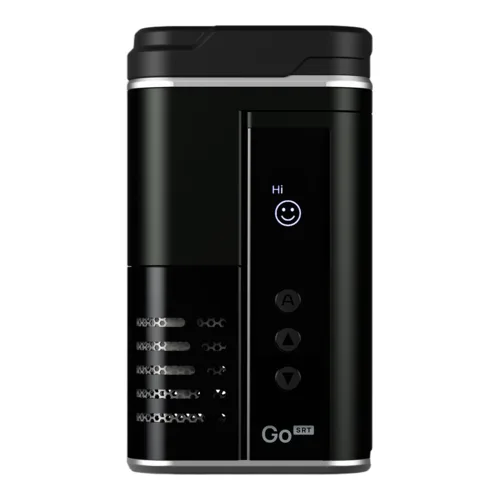 Arizer Air 2 vs Arizer Go SRT Side-by-side specs and pricing context
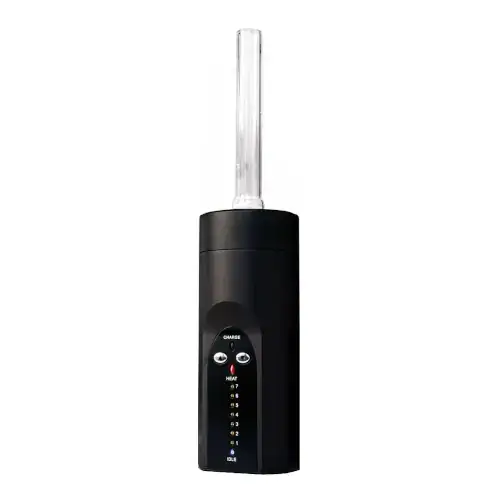 Arizer Air 2 vs Arizer Solo Side-by-side specs and pricing context
Arizer Air 2 FAQs
How is the Arizer Air II different from the original Arizer Air?
The original Air uses five fixed presets, while the Air II adds an OLED screen and three buttons for any exact temperature between 50 C and 220 C, set in one degree or ten degree steps.
How long does the Arizer Air II run on a charge?
Arizer rates the removable 18650 at up to 90 minutes of continuous use, though higher temperatures pull that down, with around 75 minutes closer to typical. Refilling takes about three hours over micro USB. A 15 to 20 minute partial charge is enough to vape while plugged in, and a fully drained cell will not run at all.
Which glass stems fit the Air II?
It shares Arizer's Air and Solo aroma tubes, sold straight in 70mm, 90mm and 110mm plus curved and tipped versions. Two 70mm tubes come in the box, and the longer stems give vapor more room to cool. A frosted tube in a 14mm or 19mm fitting connects the Air II to a water pipe.
Can I change how long the Air II stays on?
Yes. The automatic shut off timer runs from 5 to 15 minutes in one minute steps and ships at 10 minutes. A separate power on delay of 2, 4, 6 or 8 seconds, set to 6 by default, prevents accidental starts.
What did the Air MAX and Air SE change?
The Air MAX kept the OLED and single degree control but moved to USB-C and a larger 26650 cell for longer runtime. The Air SE went the other way, returning to five presets at a lower price while keeping a removable 18650 and micro USB.
What does the Air II warranty cover?
Arizer covers the heating element for life, with a two year limited warranty on defects in materials and workmanship. The battery is excluded and glass is not covered, so a cracked aroma tube is a replacement purchase. Keep proof of purchase, as return shipping falls on the owner.
Arizer Air 2 Cleaning & Maintenance
The Air II holds your herb inside the Glass Aroma Tube rather than in a fixed bowl, so nearly all the residue collects in one predictable spot: the lower third of the stem and the ring of small holes that forms its built in glass screen. The ceramic heater bore stays comparatively clean, which is why Arizer calls the micro-heater itself maintenance free.
-
Clear the stem first: Use the stainless steel stirring tool supplied with the Air II to lift spent material out of the Glass Aroma Tube and the Glass Aroma Dish. Since you load by pushing and twisting the stem into loose, coarsely ground herb instead of tamping it, the plug normally lifts out whole.
-
Pull the mouthpiece tip: The 70mm tipped tube in the box carries a separate food grade plastic mouthpiece tip that Arizer sells as a replacement part. Take it off and wipe it rather than leaving it in solvent for hours.
-
Soak the glass: Arizer's instruction for the Air II is a couple of hours in isopropyl (rubbing) alcohol. The 70mm tubes supplied and the longer 90mm and 110mm options all take the same treatment. Let the glass reach room temperature first, because the manual warns that a sudden temperature swing can crack borosilicate.
-
Rinse hot and dry completely: Finish with a hot water rinse, repeating the soak if staining remains. Dry the tube thoroughly before refitting it, since it seats directly above the ceramic element.
-
Judge the metal screens: Four stainless steel filter screens ship with the Air II, with 6 and 50 piece packs sold after that. Arizer calls them optional because each tube already has a glass screen, and notes they make vapor harsher. They also clog sooner, so swap a slow one out instead of scrubbing it.
-
Wipe the heater, never flush it: The Air II runs an isolated airpath and the manual is firm about not pouring anything into the unit. Clean around the stem opening with a dry swab, and keep alcohol away from the ceramic heater.
-
Burn off afterwards: Arizer's own advice is five to ten minutes at 220 C to drive off residues. The auto shut off timer defaults to ten minutes and maxes at fifteen, so raise it on the OLED before starting.
-
Ease a tight tube with heat: If a cleaned stem will not seat, set 200 C, wait a minute or two, then try again rather than forcing it.
-
Battery care: Keep the removable 18650, its cap and the micro USB port dry and solvent free, match positive and negative when refitting a cell, and store spares part charged.
Rate the Arizer Air 2
Rating:
Arizer Air 2 Ratings
Loading Ratings...
Also from Arizer
Compare more Arizer vaporizers, reviews, prices, and specifications before choosing your next device.