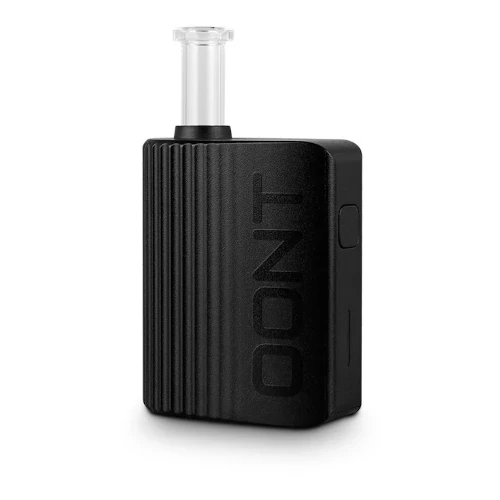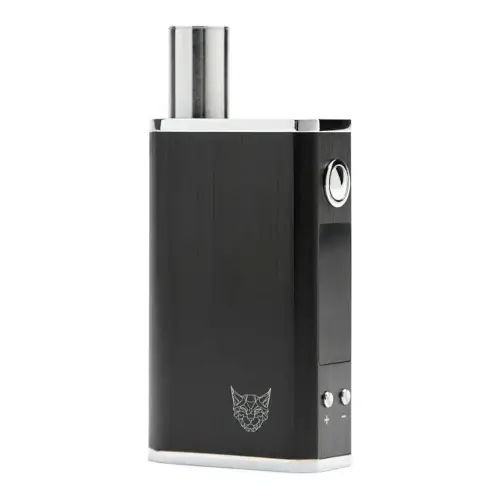
Linx Gaia Overview
Box style convection vape
Key Features & Benefits of the Linx Gaia
What Comes with the Linx Gaia?
- Linx Gaia
- Mouthpiece Cap
- Steel Tool
- Cleaning brush
- Glass Mouthpiece
- Linx 2-in-1 Charger
- Funnel
Linx Gaia Pricing & Cost Analysis
Below are approximate prices for the Linx Gaia in various different currencies. These numbers are based on the average market rate for the device and are updated as regularly as possible.
 $160 USD
 €143 EUR
 $223 CAD
 $284 NZD
 £119 GBP
| Brand | Linx Vapor |
|---|---|
| Chamber Material | Quartz |
| Device Type | Portable |
| Heating Type | Primarily Convection with some Conduction |
| Charging Connector | Micro USB |
| Battery Capacity | 2200mAh |
| Display Type | OLED |
| Charge Time | 3 - 4 hours |
| Temperature Range | 93°C - 220°C (200°F-428°F) |
| Dimensions | 50 x 24 x 80mm |
| Weight | 146 grams |
| Battery Life | ~2 hours |
| Power Adjustment | Digital (precise) |
| Chamber Capacity | 0.25g |
| Battery Type | Internal |
| Release Date | 2021 |
| Session Style | Session |
| Adjustable Airflow | No |
| Warranty | 1 year |
Linx Gaia Video
Compare Linx Gaia Against Similar Vaporizers
See how Linx Gaia compares with popular alternatives for vapor quality, portability, battery life, price, and everyday use.
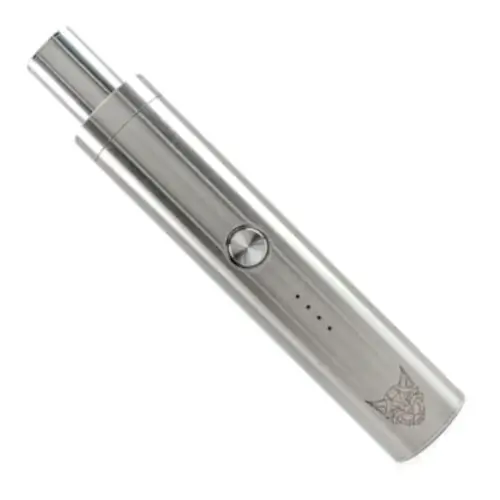 Linx Gaia vs Linx Eden Side-by-side specs and pricing context
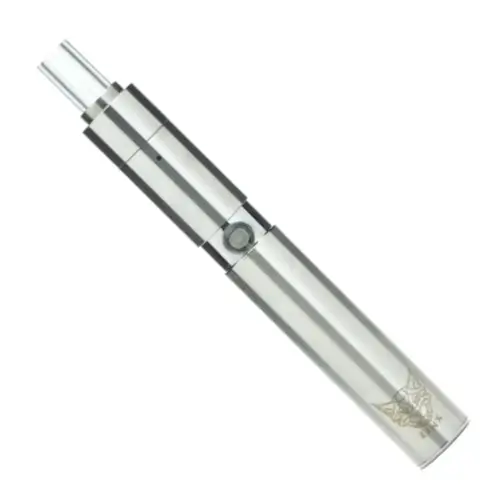 Linx Gaia vs Linx Hypnos Zero Side-by-side specs and pricing context
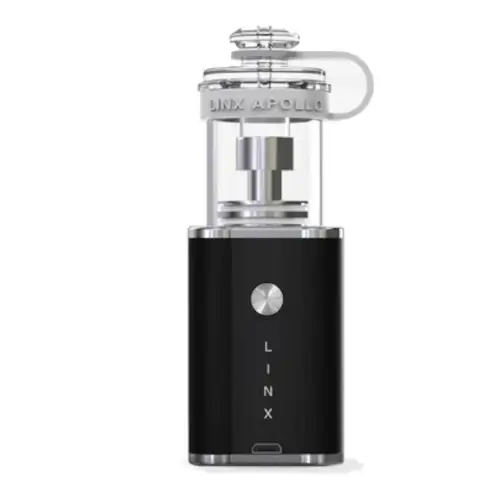 Linx Gaia vs Linx Apollo Side-by-side specs and pricing context
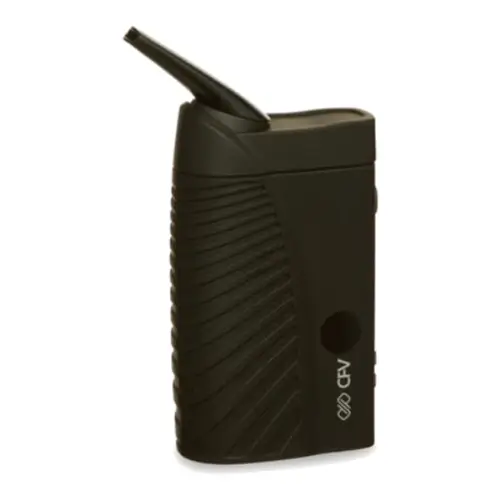 Linx Gaia vs Boundless CFV Side-by-side specs and pricing context
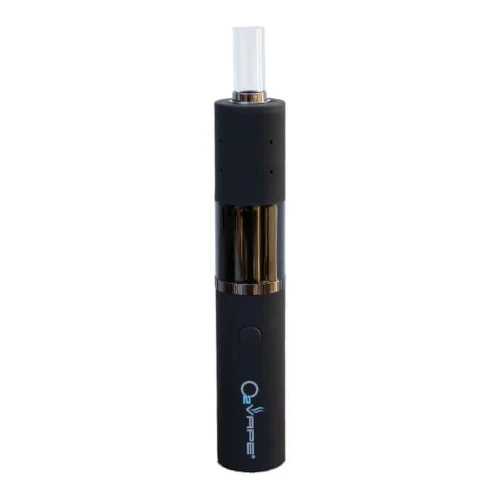 Linx Gaia vs Dryonic II Side-by-side specs and pricing context
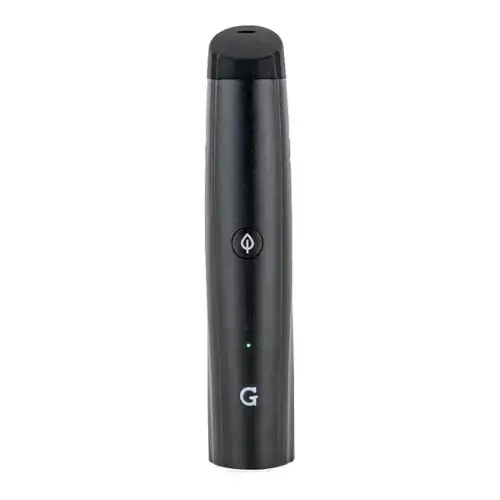 Linx Gaia vs G Pen Pro Side-by-side specs and pricing context
Linx Gaia FAQs
How do I set the temperature on the Linx Gaia?
Click the power button five times to wake it, then set any temperature from 200F to 428F (93C to 220C) with the up and down buttons. Hold power for a second to heat: the OLED flame icon blinks, then goes solid at your target. Hold power with up for Celsius, down for Fahrenheit.
Why does my Gaia keep switching itself off?
Two timers. It powers down after forty seconds if you wake it and never start heating, and again once the set temperature has been held for four minutes. Hold power again to carry on with the same bowl.
Can I use concentrates in the Linx Gaia?
No, Linx says the Gaia is for loose leaf only. The one supported workaround is the Lava Plates set: spread a rice grain of extract onto a steel plate, half fill the chamber with flower, then lay two plates on top.
Can I vape the Gaia while it is charging?
No. Linx's manual says using the Gaia on charge will damage it, and warns against leaving it charging overnight. It takes the micro USB end of the bundled 2-in-1 cable, and a non-Linx charger voids the warranty.
Does the Linx Gaia work with a water pipe?
Yes. Linx sells male and female Gaia water pipe adapters for 14mm and 18mm joints; unscrew the glass mouthpiece and screw the adapter on. Our water pipe guide covers what changes.
Is the Gaia glass mouthpiece covered if it breaks?
No. The one year limited warranty covers internal electronics, and Linx excludes glass and accessories. Keep the magnetic cap on the tube whenever the mouthpiece is off the device. The mouthpiece and filter section are sold as spares.
How does the Gaia compare to the Linx Eden?
The Linx Eden is a cheaper pen with four preset heat modes over a narrower range. The Gaia is a box with an OLED screen and per degree control across a much wider range, though it charges over micro USB, not USB-C.
Linx Gaia Cleaning & Maintenance
The Gaia routes incoming air around its electronics and straight up through a 10mm quartz cup into the glass mouthpiece, so very little ends up inside the body. Residue collects in two places instead: the quartz chamber walls, and the stainless steel filter section screwed to the base of the mouthpiece. Linx says that weak vapor on a Gaia is almost always that filter clogging rather than a fault with the device.
-
Take the mouthpiece off: Lift the magnetic cap, then unscrew the glass mouthpiece from the body. That opens the quartz chamber so you can tip out the spent bud. Put the cap back on the glass whenever the mouthpiece is off the vape, because the tube is the easiest part of the Gaia to break.
-
Brush the quartz: Work the included brush around the chamber walls and over the air holes in the floor while the oven is still warm. The magnetic steel tool stored in the base doubles as a scraper for anything baked on.
-
Split the mouthpiece: It is two pieces, a quartz glass tube and a stainless steel filter section. Linx says to unscrew the filter from the tube with a screwdriver rather than pulling at it.
-
Soak the filter: Linx gives two hours in isopropyl for the filter section, though a shorter soak clears light residue. Both pieces can be fully submerged, since the mouthpiece has no plastic or silicone in it for alcohol to cloud. Rinse in hot water, then dry completely before reassembling.
-
Swab the glass: Run a cotton bud wet with isopropyl over the inside and outside of the glass tube and around the metal base until it is clear.
-
Wipe the chamber: Use a damp, not dripping, cotton bud on the quartz, and hold the Gaia upside down while you do it so any excess alcohol runs out rather than down into the electronics.
-
Burn it off: Five clicks to wake, set the top of the range, then hold the button and let it heat empty until it shuts off. That clears alcohol residue. Run it twice on a brand new Gaia to shed the factory taste.
Clean the mouthpiece filter every two or three bowls, and do the full strip roughly every ten days if you vape daily. Replacement filter sections ship with a screen fitted plus two spare screens, so swap rather than scrub one that has clogged solid. Keep the three vertical air holes on the metal casing clear, charge the internal 2200mAh cell with the micro USB end of the 2-in-1 connector, and leave the casing shut: Linx voids the one year warranty on tampered parts.
Rate the Linx Gaia
Rating:
Linx Gaia Ratings
Loading Ratings...
Also from Linx Vapor
Compare more Linx Vapor vaporizers, reviews, prices, and specifications before choosing your next device.