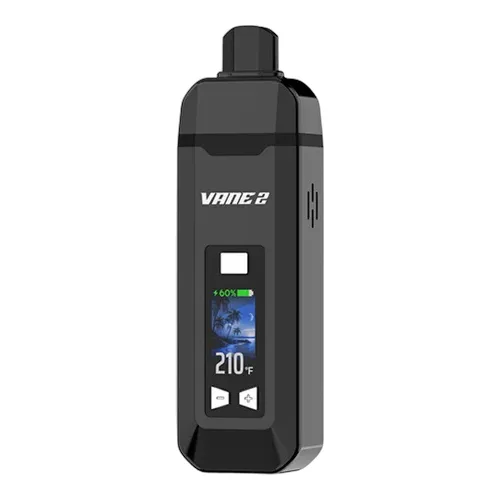
Yocan Vane 2 Overview
The Yocan Vane 2 is the follow-up to the original Vane, and it is one of the cheaper ways to get a full colour screen and single degree temperature control. It heats a ceramic chamber by conduction, runs on a sealed 1200mAh battery and charges over USB-C, which puts it in the same bracket as the XMAX V3 Nano and the rest of our budget portables. The screen shows temperature and battery at a glance, and the device buzzes when it reaches your setting, so you are not watching it while it warms up.
Key Features & Benefits of the Yocan Vane 2
The temperature range runs from 200 to 480°F, adjusted a degree at a time with the plus and minus buttons or ten degrees at a time by holding them. There is no preheat mode and no session timer, so the Vane 2 simply holds your temperature until you switch it off or the 30 minute auto shutoff kicks in. The mouthpiece is held on by magnets and lifts straight off for loading and cleaning. Only the Vane 2 mouthpiece fits, as the original Vane part is a different size.
What Comes with the Yocan Vane 2?
- Yocan Vane 2 Dry Herb Vaporizer
- Cleaning Brush
- USB Type-C Charging Cable
- User Manual
If the price is what brought you here, our list of vaporizers under 100 covers the rest of the field, and the temperature guide will help you decide where to sit in that 200 to 480°F range.
Yocan Vane 2 Pricing & Cost Analysis
Below are approximate prices for the Yocan Vane 2 in various different currencies. These numbers are based on the average market rate for the device and are updated as regularly as possible.
 $59 USD
 €53 EUR
 $83 CAD
 $105 NZD
 £44 GBP
Approximate Yocan Vane 2 Price Range (USD)
Where to Buy Yocan Vane 2
Trying to find the best places to buy Yocan Vane 2 online and in store? Check out our list of Yocan Vane 2 retailers. Note that some links may be affiliates, supporting us at no extra cost to you. Compare different retailers to ensure you always get the best price for the Yocan Vane 2!




 Trusted



| Brand | Yocan |
|---|---|
| Device Type | Portable |
| Country of Manufacture | China |
| Manufacturer | Yocan Tech |
| Heating Type | Conduction |
| Chamber Material | Ceramic |
| Heat Up Time | ~30 seconds |
| Temperature Range | 93-249°C (200-480°F) |
| Power Adjustment | Digital (1°F steps, 10°F on a long press) |
| Session Style | Session |
| Adjustable Airflow | No |
| Display Type | Colour LCD |
| Haptic Feedback | Yes |
| Concentrate Support | No |
| Battery Type | Internal (not user replaceable) |
| Battery Capacity | 1200mAh |
| Charging Connector | USB-C |
| Charge Time | ~1.5 hours |
| Auto Shutoff | 30 minutes of inactivity |
| Preheat Function | None |
| Dimensions | 120.6 x 35.6 x 24.2mm |
| Release Date | 2025 |
| Warranty | 3 months |
Yocan Vane 2 Video
Compare Yocan Vane 2 Against Similar Vaporizers
See how Yocan Vane 2 compares with popular alternatives for vapor quality, portability, battery life, price, and everyday use.
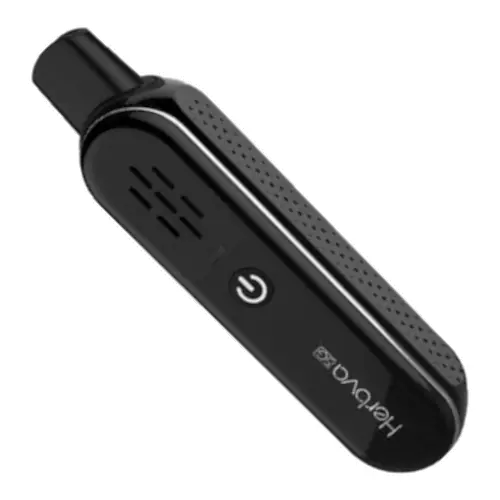 Yocan Vane 2 vs Airistech Herbva 5G Side-by-side specs and pricing context
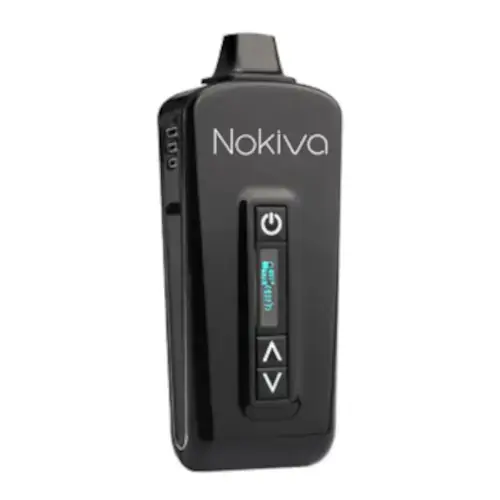 Yocan Vane 2 vs Airistech Herbva Nokiva Side-by-side specs and pricing context
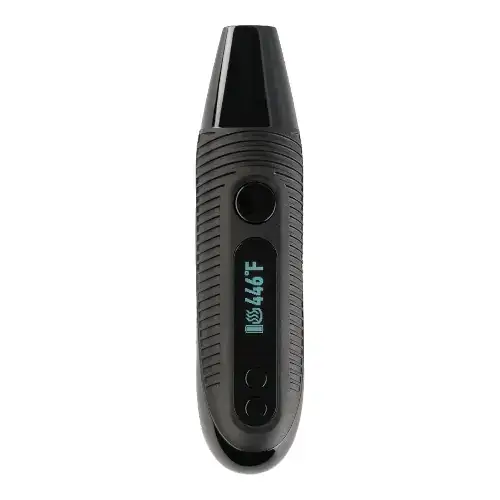 Yocan Vane 2 vs Boundless CFC 2.0 Side-by-side specs and pricing context
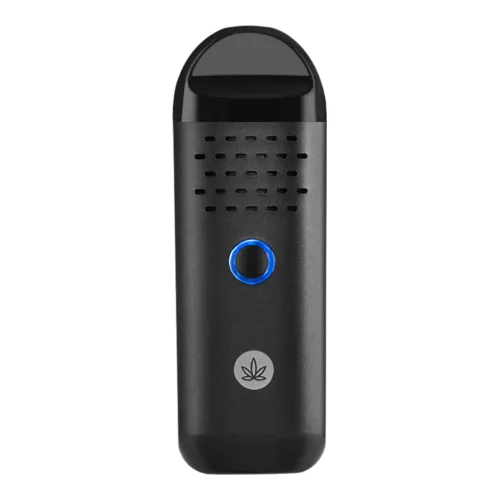 Yocan Vane 2 vs Cipher Herby Side-by-side specs and pricing context
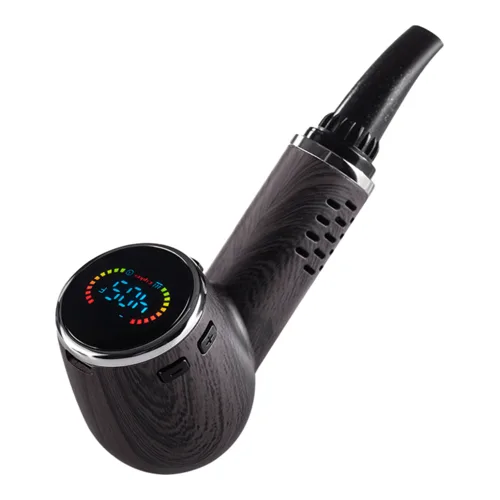 Yocan Vane 2 vs Cipher Nautilus V3 Side-by-side specs and pricing context
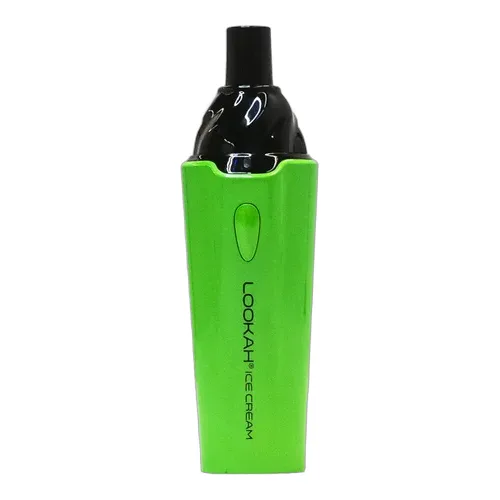 Yocan Vane 2 vs Lookah Ice Cream Side-by-side specs and pricing context
Yocan Vane 2 FAQs
What is different between the Yocan Vane 2 and the original Vane?
The Vane 2 adds a colour LCD screen, full temperature control from 200 to 480°F, haptic feedback and USB-C charging, and it moves to a 1200mAh battery. The mouthpiece is also different, so the original Vane mouthpiece does not fit the Vane 2.
How do you turn on the Yocan Vane 2 and change temperature?
Tap the power button five times inside two seconds to switch it on or off. The plus and minus buttons move the setting one degree Fahrenheit per press, or ten degrees if you hold them. The device vibrates once it reaches your chosen temperature.
Is the Yocan Vane 2 convection or conduction?
Conduction. The herb sits against the walls of a ceramic chamber and heats by contact, which is why it is ready in about 30 seconds. Stir the load halfway through for even extraction. Our convection vs conduction guide covers what that means for flavour.
Does the Yocan Vane 2 have a preheat mode or a session timer?
No. There is no separate preheat step and no fixed session length. It heats to your setting and holds it until you switch it off, with an automatic shutdown after 30 minutes of inactivity to protect the battery.
How long does the Yocan Vane 2 battery last and how do you charge it?
The 1200mAh cell is internal and not user replaceable. Expect roughly four to six chamber loads per charge in normal use. Charging is over USB-C and takes about 90 minutes. Yocan asks that you keep to a 5V source and avoid charging in a car.
Can the Yocan Vane 2 be used with concentrates?
No. It is a dry herb device only, and there is no wax cup or concentrate pad in the kit. Putting oils or extracts straight into the ceramic chamber will foul it and is not covered by warranty.
Can the Yocan Vane 2 be used with a water pipe?
Not as supplied. Yocan does not sell a glass adapter for it, and the magnetic mouthpiece is not a 14mm fitting, so this is not the device to buy if vaping through water is the plan.
What does the Yocan Vane 2 warranty cover?
Yocan Tech gives a three month quality guarantee from the date of purchase, and it excludes accessories and normal wear. Claims go through the shop you bought from and need dated proof of purchase plus the authenticity code from the packaging.
Yocan Vane 2 Alternatives
Yocan Vane 2 Cleaning & Maintenance
Conduction chambers get dirty faster than they look, because the herb is pressed against the ceramic wall for the whole session. On the Vane 2 the two places that matter are the chamber itself and the screen inside the magnetic mouthpiece, and both are easy to reach since the mouthpiece lifts straight off. Yocan's own advice is to brush it out often and keep liquid away from the body.
Quick Cleaning (After Each Session)
- Switch the device off: Five quick taps on the power button. Do not brush a chamber that is still heating.
- Lift off the magnetic mouthpiece: It pulls straight up, so there is nothing to unscrew.
- Empty and brush the chamber: Tip out the spent herb while it is still warm, before it cools and sticks, then sweep the ceramic walls with the included brush.
- Brush the mouthpiece screen: A few passes keeps the draw open. A tight pull almost always means this screen rather than the chamber.
Deeper Cleaning (Every Few Sessions)
- Let it cool completely: The ceramic sits directly over the heater and holds warmth for several minutes.
- Swab the chamber with isopropyl: Dampen a cotton swab with high strength isopropyl alcohol and wipe the chamber walls with the device held upside down, so nothing runs down into the heater. Never pour alcohol into the chamber.
- Soak the mouthpiece separately: Stand the magnetic mouthpiece in isopropyl for 20 to 30 minutes, work the screen with a swab, then rinse it with warm water.
- Dry everything fully: Leave the mouthpiece to air dry completely before it goes back on. Any trapped alcohol will taste of it on the next draw.
- Wipe the body: Yocan asks for nothing more than a dry cloth or paper towel on the outside of the device, and no liquid near the USB-C port.
Care Tips for Better Results
- A medium grind and a loose pack keep airflow open in a conduction chamber. See our grind guide.
- Stir the load halfway through the session so the material touching the wall is not the only part that gets hot.
- Cleaning while the chamber is still warm takes half the time it does once resin has set.
- Do not store the battery flat. Yocan warns against leaving it fully discharged for long periods.
- For general technique, read our guide on how to clean a dry herb vaporizer.
Learn More About Yocan Vane 2
The Vane 2 suits someone buying a first dry herb device who still wants to choose their own temperature rather than live with a fixed preset. Conduction from a ceramic chamber gets vapor going quickly and forgives a slightly coarse pack, which is why it turns up alongside the best vaporizers for beginners and the under 100 list. Being able to move in single degree steps is genuinely useful here, because the difference between a flavour session and a heavy one is often 20 degrees. Our temperature guide explains where those steps land.
The trade-offs are the ones you expect at this price. There is no airflow control, no glass in the vapor path and no replaceable cell, so heavy users will run into the 1200mAh battery and a warm mouthpiece before long. Conduction also means the load needs stirring partway through, which our convection vs conduction explainer covers, and a medium grind matters more than it does on a convection device, so read the grind guide before your first session. If you want more from the same money, compare it against the budget portables list.
Rate the Yocan Vane 2
Rating:
Yocan Vane 2 Ratings
Loading Ratings...
Also from Yocan
Compare more Yocan vaporizers, reviews, prices, and specifications before choosing your next device.