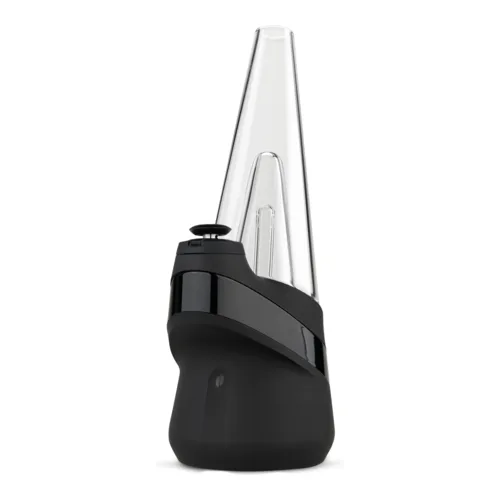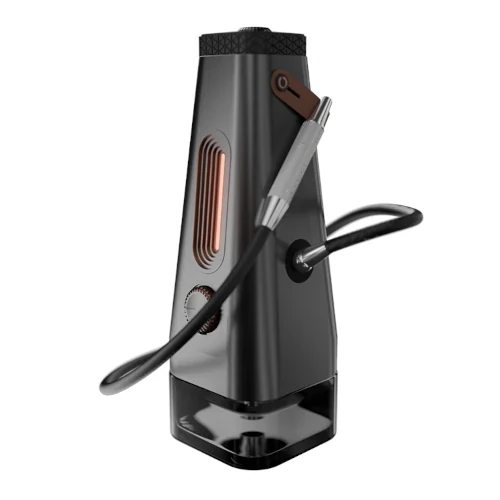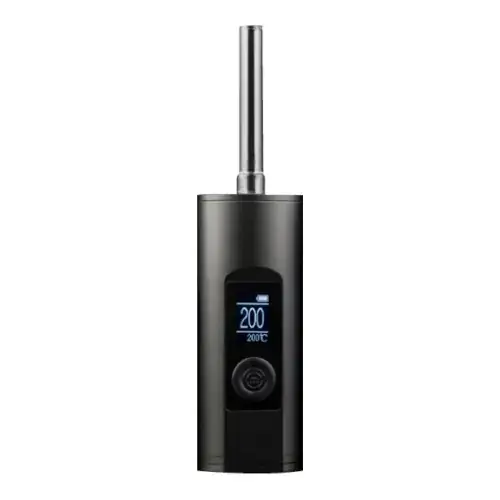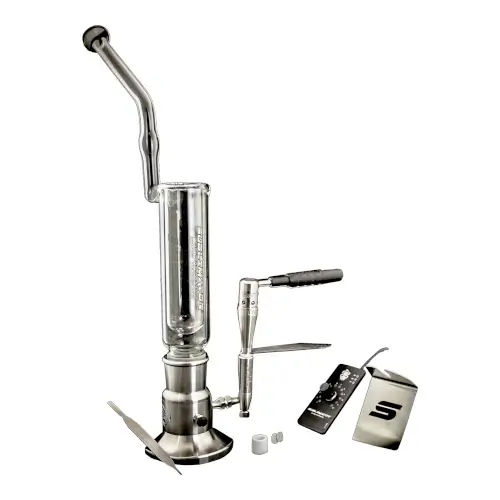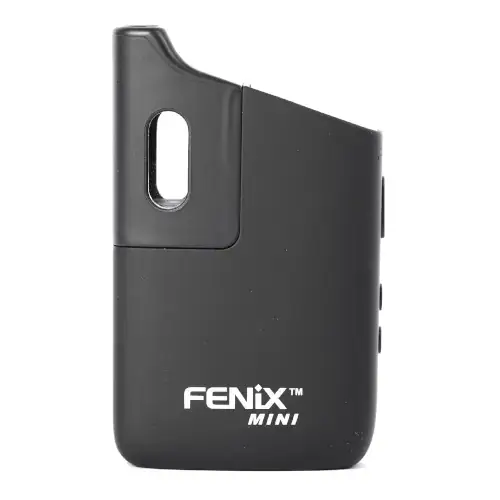
FENiX Mini Overview
Pocket friendly vaporizer with a bright OLED screen and digital controls
Key Features & Benefits of the FENiX Mini
What Comes with the Fenix Mini?
- Fenix Mini Vaporizer
- Silicone mouthpiece
- Packing tool
- Cleaning brush
- Tweezers
- USB Cable
- Quartz tank
- User manual
FENiX Mini Pricing & Cost Analysis
Below are approximate prices for the FENiX Mini in various different currencies. These numbers are based on the average market rate for the device and are updated as regularly as possible.
 $70 USD
 €63 EUR
 $99 CAD
 $124 NZD
 £53 GBP
Where to Buy FENiX Mini
Trying to find the best places to buy FENiX Mini online and in store? Check out our list of FENiX Mini retailers. Note that some links may be affiliates, supporting us at no extra cost to you. Compare different retailers to ensure you always get the best price for the FENiX Mini!

| Brand | FENiX |
|---|---|
| Country of Manufacture | China |
| Manufacturer | South Reed Technology Co |
| Device Type | Portable |
| Temperature Range | 160°C - 221°C |
| Heat Up Time | ~30 seconds |
| Charge Time | <2 hours |
| Heating Type | Convection |
| Weight | 135 grams |
| Chamber Material | Stainless Steel |
| Battery Life | <50 minutes |
| Dimensions | 81 x 27.3 x 50mm |
| Battery Capacity | 1600mAh |
| Power Adjustment | Digital (precise) |
| Chamber Capacity | ~0.15g |
| Battery Type | Internal 18500 |
| Charging Connector | Micro USB |
| Concentrate Support | Yes |
| Release Date | 2017 |
| Session Style | Session |
| Warranty | 1 year |
Compare FENiX Mini Against Similar Vaporizers
See how FENiX Mini compares with popular alternatives for vapor quality, portability, battery life, price, and everyday use.
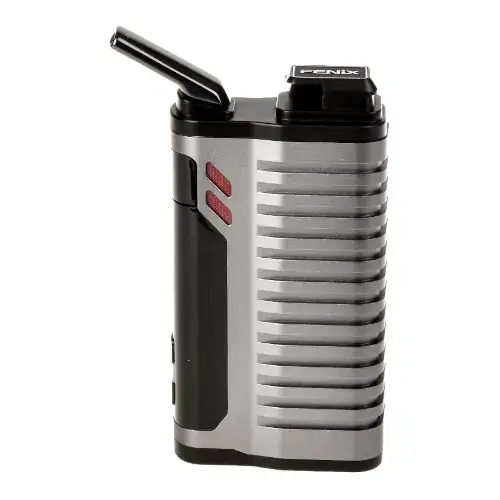 FENiX Mini vs FENiX 2.0 Side-by-side specs and pricing context
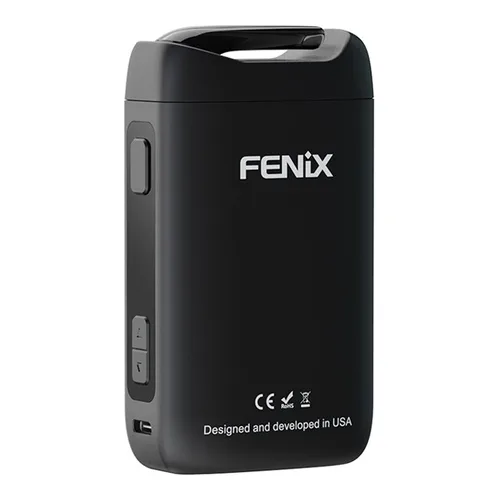 FENiX Mini vs FENiX Neo Side-by-side specs and pricing context
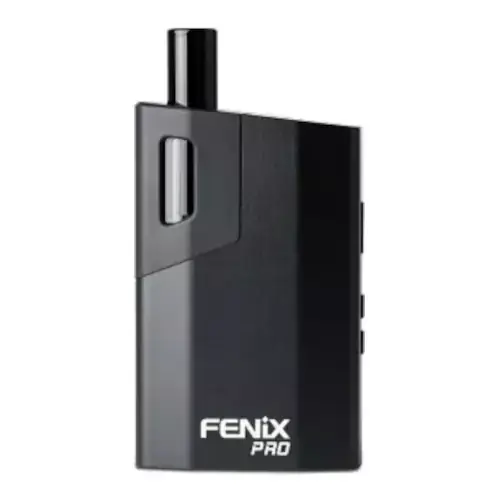 FENiX Mini vs FENiX Pro Side-by-side specs and pricing context
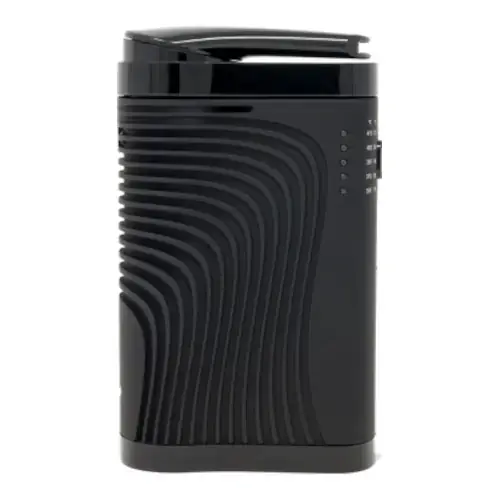 FENiX Mini vs Boundless CF Side-by-side specs and pricing context
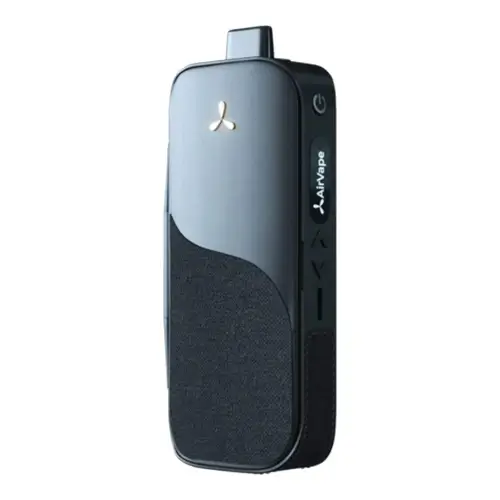 FENiX Mini vs AirVape Legacy Side-by-side specs and pricing context
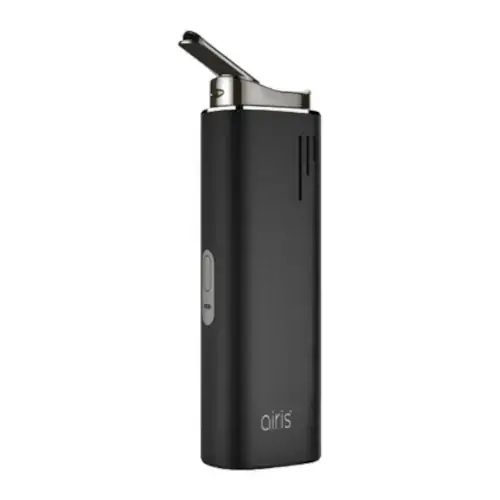 FENiX Mini vs Airis Switch 3-in-1 Side-by-side specs and pricing context
FENiX Mini FAQs
How big is the FENiX Mini and who is it for?
The Mini is about 8cm tall and hides inside a closed hand, and its chamber takes around 0.15g. It suits pocket carry and small solo doses rather than group use, close to our most discreet dry herb vaporizers picks.
Does the FENiX Mini have temperature presets?
No. Power plus a "+" and a "-" set any temperature from 160C to 221C in single degree steps, shown on the OLED. If the screen reads Fahrenheit, hold power with a temperature button for two seconds. See what temperature to vape flower.
Why does the FENiX Mini shut off after four minutes?
FENiX gives it a 240 second safety power duration, so the heater cuts out four minutes in. That is a timer, not a sign the load is spent. Five quick clicks of the power button restart it.
How do you vape wax or oil in the FENiX Mini?
Pull the silicone cap off the quartz tank in the box, load the cup, press the cap back on, drop the tank into the chamber and refit the mouthpiece. VapeFully rates that insert as the weak point of the device.
How long does the FENiX Mini run on a charge?
The built in 1600mAh cell gives roughly 40 minutes of heater time, several four minute sessions, and refills over micro USB at 5V/1A in under two hours. FENiX says not to use it while charging, or with fast chargers.
Why has my FENiX Mini mouthpiece gone loose or discoloured?
The snap-on mouthpiece is a plastic consumable. It slackens with use and eventually falls off, and the plastic reacts to isopropyl and can discolour, so wipe it with a barely damp bud rather than soaking it. Replacements sell separately, and warranties exclude wear parts.
What does Protect on the FENiX Mini screen mean?
Protect is an error message, not a setting, and there is no owner fix. FENiX lists a one year warranty and sells wholesale only, so it goes back to the shop you bought it from.
FENiX Mini Cleaning & Maintenance
The Fenix Mini holds only about 0.15g of herb under a screen that sits in a silicone seal, and the vapour path from that screen to your lips is a couple of centimetres long. Resin that would condense in a long stem on a bigger vaporizer instead collects on the screen and inside the snap-on mouthpiece, which is why airflow tightens up long before the outside of the device looks dirty.
-
Empty the chamber once it has cooled: Push the mouthpiece out of its slot, tip out the spent herb, and use the included tweezers for anything packed into the corners. Do not dig into a hot chamber; wait for it to cool, but do not leave the load sitting overnight either, because cooling herb sheds resin onto the chamber walls.
-
Brush after each session: The wire brush in the kit is the only tool FENiX asks for in its own routine. Sweep the loose residue out of the stainless steel chamber and off the screen above it, then knock the debris out rather than pushing it deeper.
-
Wipe with isopropyl every ten to fifteen sessions: FENiX allows isopropyl alcohol on the chamber, mouthpiece and screens, applied with a small brush or a cotton bud, and asks that every part is fully dry before reassembly. Use the bud damp, not dripping. Alcohol pooled in the chamber can run past the screen into the heater underneath.
-
Treat the mouthpiece gently: It is a plastic snap-on part, and isopropyl attacks it. Wipe it with a lightly moistened bud instead of soaking it, rinse it under lukewarm water, and dry it completely before clipping it back on. Prolonged alcohol contact discolours the plastic, and the part wears out and loosens with normal use.
-
Replace the screen and seal as a set: The screen comes fitted in its silicone seal and is sold that way, so a spare is worth keeping to swap in while the dirty one soaks. The silicone ring on the mouthpiece pulls off and presses back on as a separate replaceable part.
-
Concentrate tank: Pull the silicone cap off the quartz cup, clean the cup on its own, and let it dry before it goes back in the device.
-
Burn off and battery care: After a wet clean, and before the very first load, run the Mini empty at 220C. The four minute auto shutoff means restarting it several times. Charge over micro USB at 5V/1A, do not use it while charging, avoid running the internal 1600mAh cell flat, and store it somewhere dry.
Rate the FENiX Mini
Rating:
FENiX Mini Ratings
Loading Ratings...
Also from FENiX
Compare more FENiX vaporizers, reviews, prices, and specifications before choosing your next device.