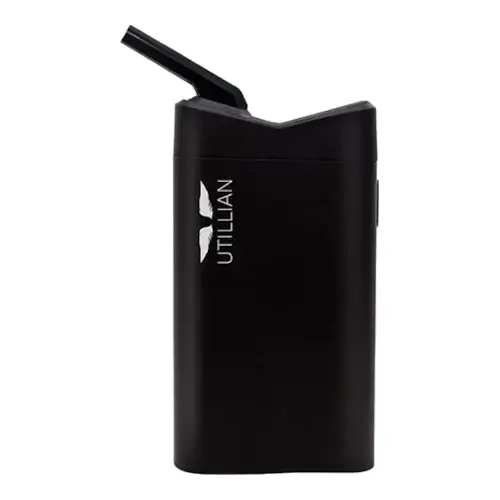
Utillian 722 Overview
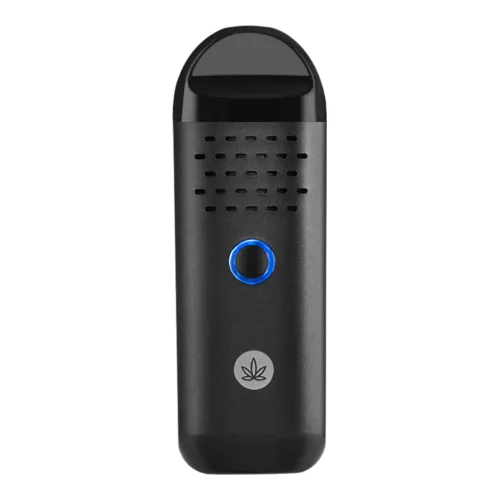
The Utillian 722 offers around 60 minutes of battery life, enabling you to get through half a dozen or more sessions per charge. It's powered with convection heating and controlled with one button operation. With five fairly well-considered presets, including a "boost mode" for finishing your session, the Utillian 722 is simple enough to use while still offering sufficient flexibility for a portable vaporizer for on-the-go use.
Key Features & Benefits of the Utillian 722
What Comes with the Utillian 722?
- Utillian 722 Vaporizer
- Spare Screens (x3)
- Cleaning Brush
- Charge Cable
- Stir Tool
Utillian 722 Pricing & Cost Analysis
Below are approximate prices for the Utillian 722 in various different currencies. These numbers are based on the average market rate for the device and are updated as regularly as possible.
 $170 USD
 €151 EUR
 $240 CAD
 $300 NZD
 £127 GBP
| Brand | Utillian |
|---|---|
| Chamber Material | Aluminum |
| Device Type | Portable |
| Heat Up Time | ~30 seconds |
| Heating Type | Convection |
| Battery Capacity | 2300mAh |
| Power Adjustment | Modular - 5 stage |
| Temperature Range | 180°C - 225°C |
| Capacity | <0.4 grams |
| Battery Life | ~60 minutes |
| Charge Time | ~2 hours |
| Charging Connector | Micro-USB |
| Dimensions | 111x58x28mm |
| Weight | 180g |
| Battery Type | Internal |
| Session Style | Session |
| Warranty | 1 year |
Compare Utillian 722 Against Similar Vaporizers
See how Utillian 722 compares with popular alternatives for vapor quality, portability, battery life, price, and everyday use.
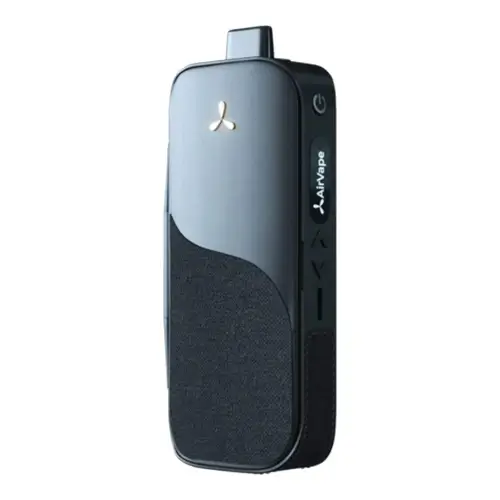 Utillian 722 vs AirVape Legacy Side-by-side specs and pricing context
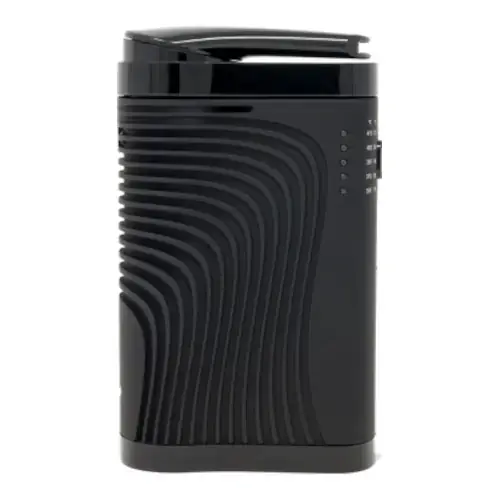 Utillian 722 vs Boundless CF Side-by-side specs and pricing context
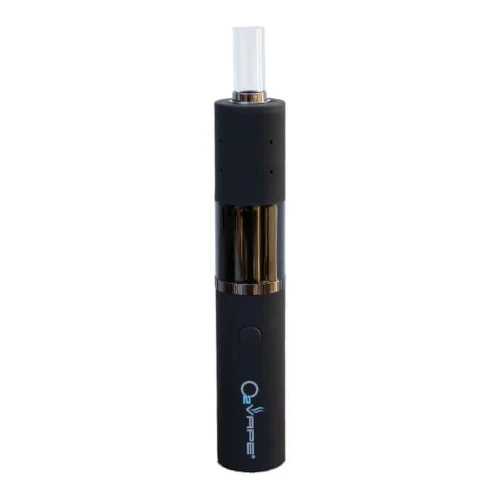 Utillian 722 vs Dryonic II Side-by-side specs and pricing context
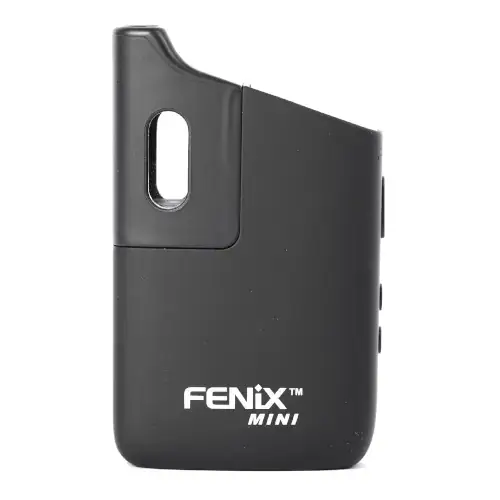 Utillian 722 vs FENiX Mini Side-by-side specs and pricing context
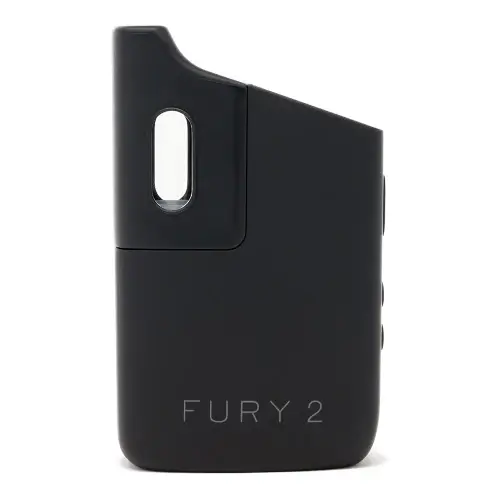 Utillian 722 vs Healthy Rips Fury 2 Side-by-side specs and pricing context
 Utillian 722 vs Healthy Rips Fury 3 Side-by-side specs and pricing context
Utillian 722 FAQs
What temperatures does the Utillian 722 run and how does boost mode work?
Two quick presses step through four presets, shown by the colour of the top LED rather than a numeric display: green 180°C, blue 190°C, purple 200°C, red 210°C. Holding the button engages boost, which climbs to 225°C while you hold it, then falls back to your preset.
Why does the Utillian 722 switch itself off mid session?
It locks after seven minutes of heating to save battery. Five presses within about two seconds unlocks it at the last temperature used, then it takes roughly 30 seconds to reheat.
Does the Utillian 722 need anything done before the first session?
Utillian asks for a full charge and one empty cycle at the highest setting, to burn off machine oils from manufacturing, as our guide on preparing a new vaporizer covers.
Can I charge the Utillian 722 straight after a session?
No, Utillian warns against plugging it in while still warm. Use a plain 5V 1A adapter over micro USB, not a fast charger: fast charger damage is excluded from the twelve month warranty and the battery is covered for only three months.
Can the Utillian 722 be used with concentrates?
Yes, with Utillian's wax canister set. The stainless steel canisters hold the extract and drop into the convection chamber, so nothing goes onto the oven directly. The same set fits the 721, 722 and 723.
Does the Utillian 722 work with a water pipe?
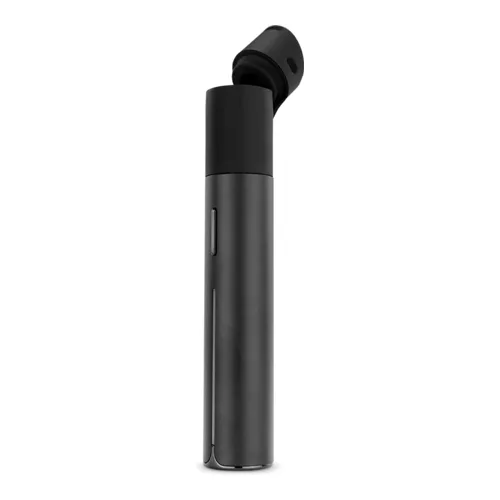
Not with Utillian's glass bubbler, which lists the 2, 5, 6, 420, 421 and 620 but not the 722. The zirconia mouthpiece swivels out of the magnetic cap rather than presenting a glass joint, so see our water pipe guide.
Is the Utillian 722 still sold, and how does the 723 differ?
Utillian has replaced it: the 722 product page now redirects to the 723. That model keeps the same convection heating, presets and boost, with reworked airflow and USB-C charging. Parts cross over, so the magnetic cap, mouthpiece, wax canisters and care package fit either.
Utillian 722 Cleaning & Maintenance
Vapor leaving the 722's chamber goes straight through a screen and a short air path built into the magnetic cap before it reaches the swivel out mouthpiece, so the cap collects far more residue than the chamber does. Convection heating means the chamber walls never sit against the material, which is why most of a session's stickiness ends up in a part you lift off every time you reload.
-
Brush the chamber after each session: tip the spent load out and sweep the chamber with the brush from the kit. Utillian's manual asks for this after every use, not weekly.
-
Swab the chamber every third session: after three or more sessions, run a cotton swab soaked in pure alcohol gently around the chamber, then go over it again with a clean dry swab to lift the alcohol back out. The chamber must be dry before you heat it, and nothing may drip past it into the internals. Utillian counts damage from careless cleaning as grounds to void the warranty.
-
Pull the magnetic cap apart: the silicone o-ring, the screen and the mouthpiece each come out of the cap with gentle pressure, in that order, leaving the cap's air path open to a swab.
-
Soak the small parts, never the cap: the o-ring, screen and mouthpiece can sit in pure alcohol for a maximum of 20 minutes, then get rinsed under warm water and dried. The magnetic cap itself must not be soaked, and its outside must not be wiped with alcohol either, because that damages the rubberized finish. Clean the air path inside it with an alcohol swab, rinse with warm water and let it dry fully.
-
Clear a blocked air path with heat: TVape, which owns Utillian, tells 722 owners to run two or three empty five minute cycles at the top setting with the unit held upside down so residue drains out instead of settling deeper, swab the chamber with 90 percent or stronger isopropyl while it is still inverted, then run two or three more empty cycles to drive off the alcohol. Never heat the unit while any solvent remains.
-
Treat screens and o-rings as consumables: the box ships three spare screens with three large and three small o-rings, and the separate 722 care package adds five screens plus two mouthpiece o-rings and two magnetic cap o-rings. Swap them once draw resistance climbs or the cap stops seating firmly.
Charge through the micro USB port on the base with a 5V 1A adapter rather than a fast charger, and let the unit cool first, since Utillian warns against plugging in a 722 that is still warm from a session.
Rate the Utillian 722
Rating:
Utillian 722 Ratings
Loading Ratings...