Tronian Milatron Overview
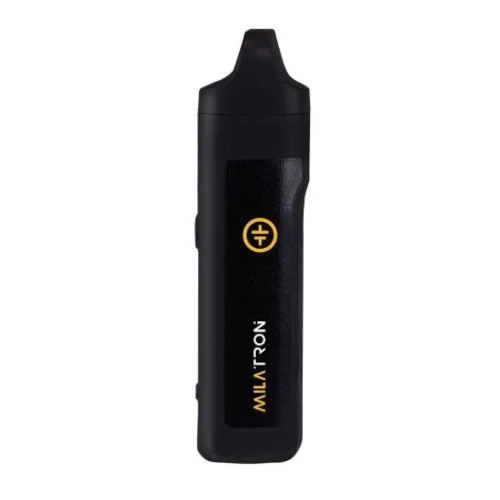
The Milatron is an affordable dry herb vaporizer that can reach its maximum temperature of 240°C (464°F) in around 35 seconds. Additionally, it sports a 2300mAh internal battery and is charged via USB-C. It is heated primarily with convection heat but is considered to use hybrid heating as there's some conduction heating at play as well.
Key Features & Benefits of the Tronian Milatron
What Comes with the Tronian Milatron?
- Tronian Milatron Vaporizer
- Mouthpiece Screens (x2)
- USB-C Charging Cable
- Packing Tool
- Cleaning Brush
- Manual
Tronian Milatron Pricing & Cost Analysis
Below are approximate prices for the Tronian Milatron in various different currencies. These numbers are based on the average market rate for the device and are updated as regularly as possible.
 $110 USD
 €98 EUR
 $154 CAD
 $193 NZD
 £82 GBP
| Brand | Tronian |
|---|---|
| Device Type | Portable |
| Heat Up Time | <35 seconds |
| Heating Type | Hybrid (Primarily Convection) |
| Battery Capacity | 2300mAh |
| Power Adjustment | Digital Control |
| Temperature Range | 160°C - 240°C |
| Capacity | <0.25 grams |
| Charging Connector | USB-C |
| Chamber Material | Aluminium |
| Dimensions | 114x30x30mm |
| Weight | 130g |
| Battery Life | ~1 hour |
| Battery Type | Internal |
| Release Date | 2022 |
| Session Style | Session |
| Warranty | 1 year |
Compare Tronian Milatron Against Similar Vaporizers
See how Tronian Milatron compares with popular alternatives for vapor quality, portability, battery life, price, and everyday use.
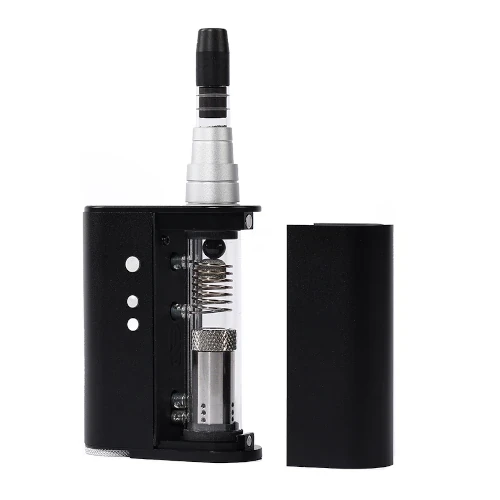 Tronian Milatron vs 2-Con Side-by-side specs and pricing context
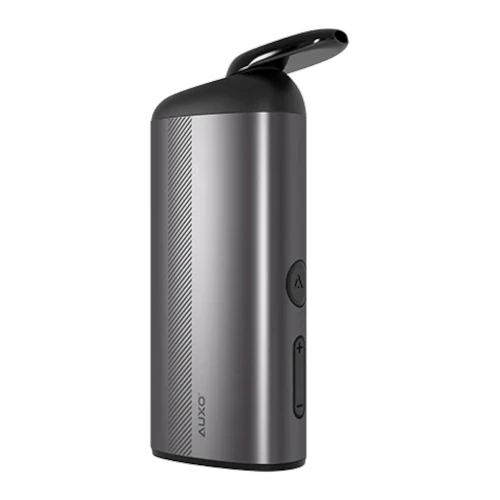 Tronian Milatron vs AUXO Calent Side-by-side specs and pricing context
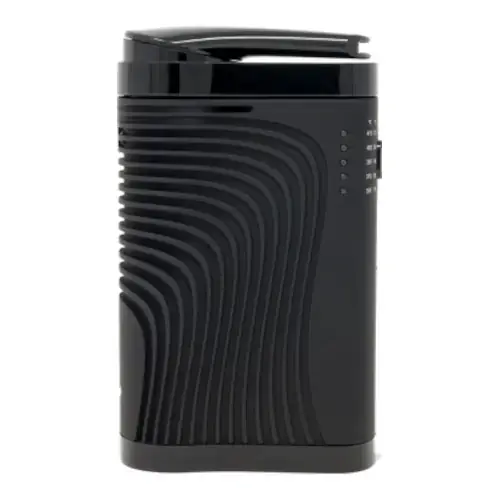 Tronian Milatron vs Boundless CF Side-by-side specs and pricing context
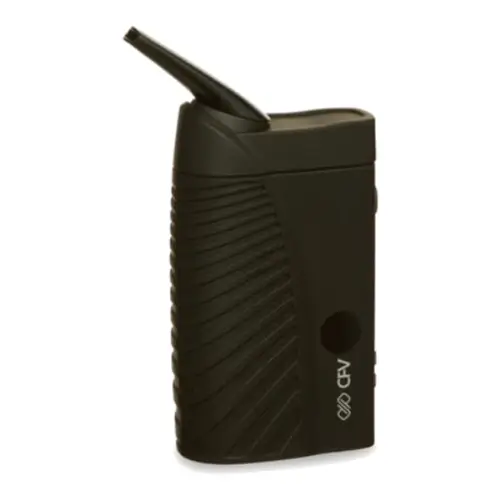 Tronian Milatron vs Boundless CFV Side-by-side specs and pricing context
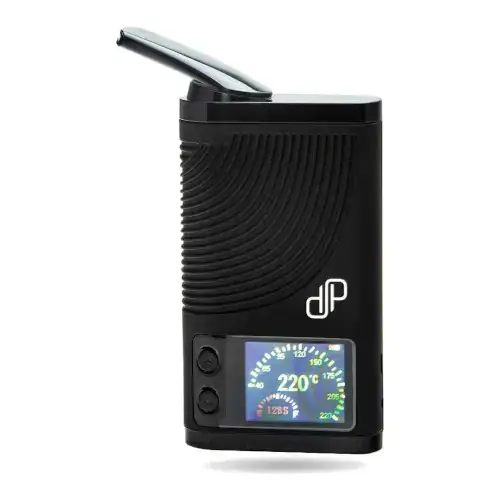 Tronian Milatron vs Boundless CFX Side-by-side specs and pricing context
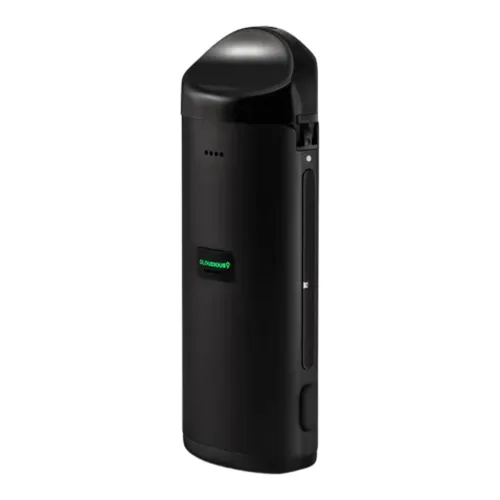 Tronian Milatron vs Cloudious9 Atomic9 Side-by-side specs and pricing context
Tronian Milatron FAQs
How do you turn the Tronian Milatron on?
Five quick presses of the power button switch it on, and five more switch it off. It heats to the target temperature and vibrates once it arrives. Holding power and minus for three seconds swaps Celsius for Fahrenheit.
How long is a Milatron session?
The session timer sits on the OLED beside the current and target temperatures, adjustable from three to six minutes in thirty second steps. Hold the power button for three seconds while it is on, then set it with the plus and minus buttons.
Do I need to run the Milatron empty first?
Tronian asks for a sanitation cycle before first use. Charge the battery fully, then run the empty device at its highest setting for a full cycle to purge machine oils from manufacturing. Our guide on preparing a new vaporizer has more.
How much herb does the Milatron bowl hold?
Roughly 0.22 grams. The anodised aluminium chamber is heated on its sides and base and is wide rather than deep, so material should go in loosely for airflow. That width also means tipping the device over and tapping shifts a spent load.
Why does the Milatron mouthpiece have a ceramic filter?
The exterior is temperature safe plastic, and the ceramic filter sits behind the screen so vapor is not running over plastic on the way out. It takes drops in a way glass would not, though it warms through on repeated long draws.
What charger should I use with the Milatron?
A USB-C adapter rated no higher than 5V 2A; the device draws 10W. Tronian says not to plug it in straight after a session while the body is still warm, and to unplug once the display shows full.
What does the Milatron warranty cover?
Twelve months on the hardware, but the internal lithium ion battery is covered for only three months from purchase. The mouthpiece and its four parts, the packing tool, the brush and the cable are wear items and excluded, as is liquid damage.
Tronian Milatron Cleaning & Maintenance
The Milatron's bowl is anodised aluminium heated on both the sides and the base, with an exposed stainless steel convection coil rather than a sealed ceramic cup, so fines bake straight onto hot metal. Most of the resin ends up further up: the four piece mouthpiece heats through repeated long draws, setting residue on the screen and the ceramic filter behind it.
-
Burn off before the first session. Tronian asks for a sanitation cycle before first use. Charge the battery fully, then run the empty device at its top setting of 240°C for a complete cycle to purge machine oils left from manufacturing.
-
Twist the mouthpiece off and empty the bowl. The mouthpiece rotates counterclockwise to release. The 0.22 gram chamber is wide, so turning the device upside down and tapping it will shift most of a spent load without any tool.
-
Brush the chamber dry. Tronian's chamber procedure uses no liquid at all: the packing tool lifts anything compacted into the base, and the supplied brush deals with ingrained grime. Keep solvent out of here. The heating elements sit against the chamber walls and floor, and the warranty excludes damage from water, cleaning liquids or alcohol poured over or into the device.
-
Strip the mouthpiece into its four parts. Pull the silicone holder out of the plastic mouthpiece exterior, then push the ceramic filter and the used screen out of the holder. Clean these away from the device, never while they are still fitted.
-
Keep isopropyl to the parts you removed. All Tronian says about isopropyl is that the device must not be operated until flammable cleaning agents have fully evaporated. Drying time is the real constraint: the ceramic filter is porous, so let it dry through before it goes back into the silicone holder.
-
Swap screens instead of scrubbing them. Two spares ship in the box and Tronian sells them five to a pack. All four mouthpiece parts are classed as wear items outside the twelve month warranty, so treat them as consumables.
-
Body, port and battery. A dry cloth suits the brushed aluminium shell, and solvent should stay off the vegan leather side panels, the USB-C port and the OLED window. Unplug before any maintenance, and let the device cool before charging rather than plugging it in warm. Use an adapter rated no higher than 5V 2A and unplug once the display shows a full battery. The lithium cell is internal and covered for only three months.
Tronian sets no cleaning interval. Brushing the chamber out at the end of each session, while residue is still soft, keeps the job short and stops the screen closing up early.
Rate the Tronian Milatron
Rating:
Tronian Milatron Ratings
Loading Ratings...