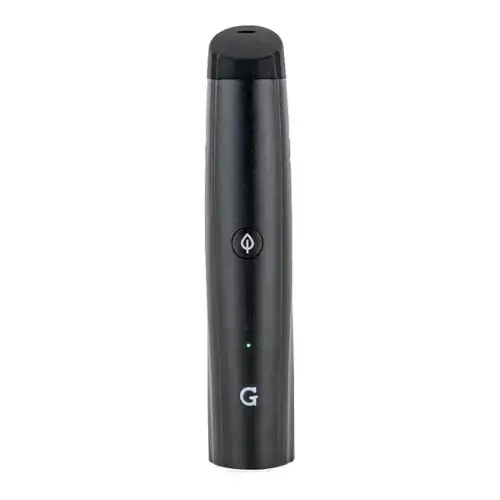
G Pen Pro Overview
Easy to use and budget-friendly portable vaporizer
Key Features & Benefits of the G Pen Pro
What Comes with the G Pen Pro?
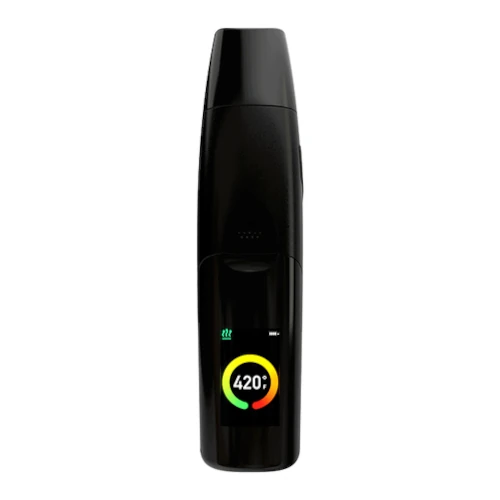
- G Pen Pro Vaporizer
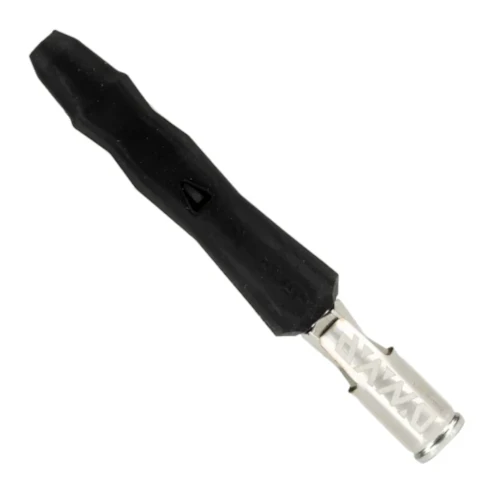
- G Pen Tool
- Micro-USB Charging Cable
- Cleaning Brush
G Pen Pro Pricing & Cost Analysis
Below are approximate prices for the G Pen Pro in various different currencies. These numbers are based on the average market rate for the device and are updated as regularly as possible.
 $90 USD
 €80 EUR
 $126 CAD
 $157 NZD
 £67 GBP
| Brand | Grenco Science |
|---|---|
| Device Type | Portable |
| Heating Type | Convection |
| Temperature Range | 190°C - 220°C (375°F - 428°F) |
| Heat Up Time | ~30 seconds |
| Power Adjustment | Modular - 3 Stages |
| Chamber Material | Ceramic |
| Chamber Capacity | ~0.25 grams |
| Battery Capacity | 2200mAh |
| Charge Time | <3 hours |
| Charging Connector | Micro-USB |
| Battery Type | Internal |
| Release Date | 2017 |
| Session Style | Session |
| Warranty | 1 year |
G Pen Pro Video
Compare G Pen Pro Against Similar Vaporizers
See how G Pen Pro compares with popular alternatives for vapor quality, portability, battery life, price, and everyday use.
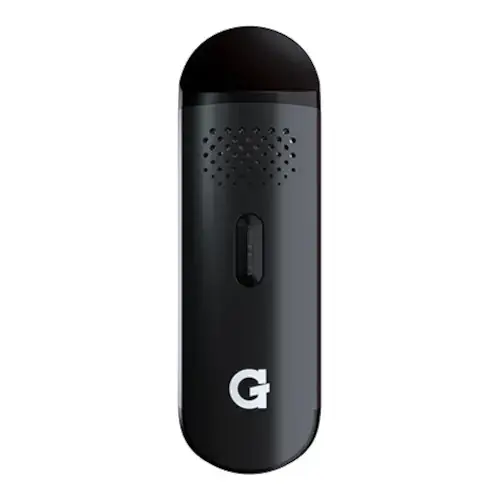 G Pen Pro vs G Pen Dash Side-by-side specs and pricing context
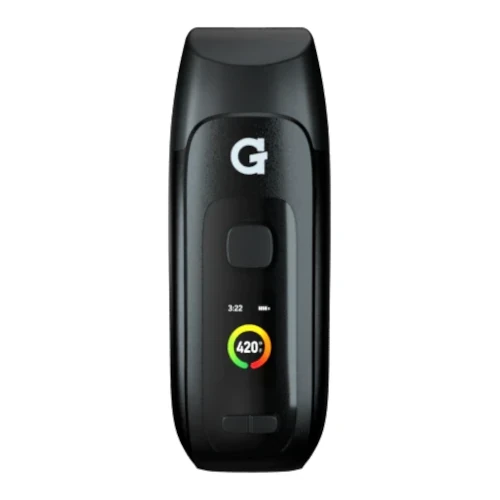 G Pen Pro vs G Pen Dash+ Side-by-side specs and pricing context
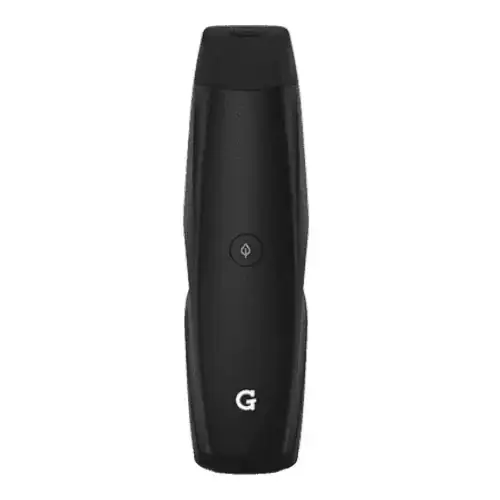 G Pen Pro vs G Pen Elite Side-by-side specs and pricing context
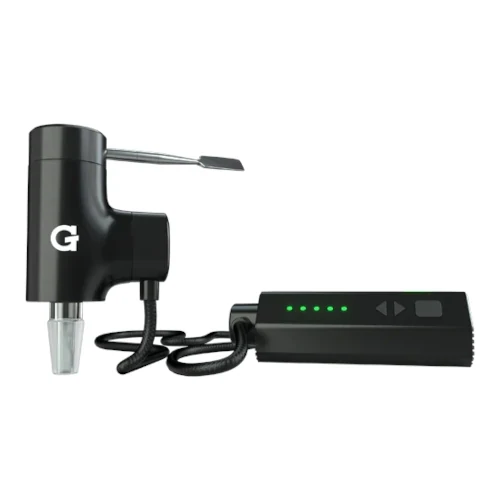 G Pen Pro vs G Pen Hyer Side-by-side specs and pricing context
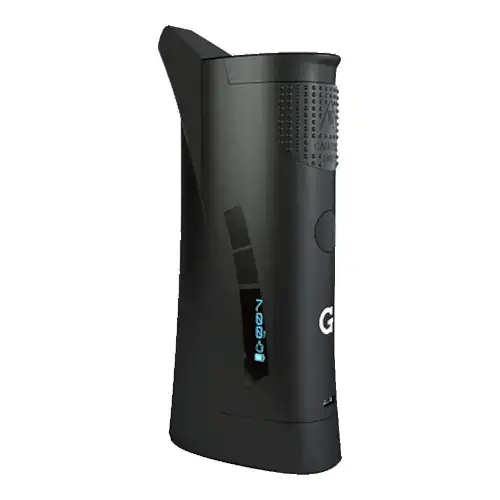 G Pen Pro vs G Pen Roam Side-by-side specs and pricing context
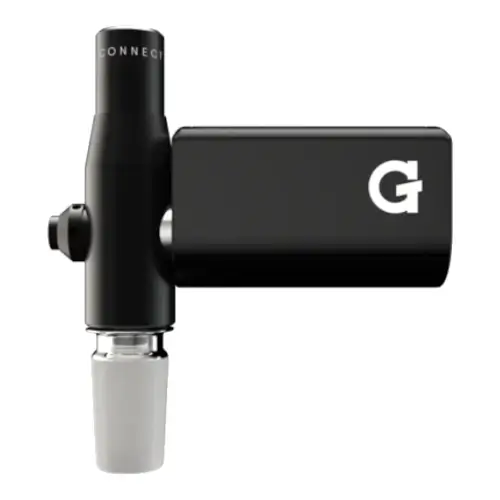 G Pen Pro vs G Pen Connect Side-by-side specs and pricing context
G Pen Pro FAQs
What are the three temperature settings on the G Pen Pro?
Holding the power button for three seconds cycles the presets, and the front LEDs change colour to match. Blue is 375F (190C), green is 400F (204C), and red is 428F (220C). It always restarts on blue.
Why does my G Pen Pro shut off after four minutes?
That is the automatic shut off, set to conserve the battery and stop the heater running unattended. Press the power button five times to resume with the same load.
Can I use concentrates in the G Pen Pro?
No. Grenco lists it as not compatible with concentrates or liquids, and the manual rules out tobacco too. Oil would run through the air holes in the chamber floor toward the heater below, as our concentrates guide explains.
How do I check the battery level on the G Pen Pro?
Once the Pro reaches temperature, the LEDs still lit show the remaining charge, and all four means full. Empty is five white flashes. Grenco rates a charge at twelve activations minimum, roughly 48 minutes of heating, and a micro USB refill takes one to three hours.
How often does the G Pen Pro mouthpiece need replacing?
Grenco rated it at six to eight weeks, making it a consumable rather than a permanent part. Cleaning the silicone sleeve and metal screen separately stretches that out, but a torn sleeve or clogged screen means a swap. It does not fit the older G Pro.
How does the G Pen Pro compare to the G Pen Elite and Dash?
The Elite offers full temperature control across a much wider range and holds up to 0.75 grams, against the Pro's three presets and 0.25 gram chamber. The G Pen Dash adds pass through charging and uses three status LEDs rather than four.
Does the G Pen Pro still have a warranty?
Electronic components carried a one year warranty, registered through the serial number on the packaging label. Grenco has since retired the Pro to its legacy pages, so spares are scarce.
G Pen Pro Cleaning & Maintenance
The Pro drives hot air up through holes in the floor of its white ceramic chamber, so resin builds first around those holes and along the lip where the mouthpiece seats. Grenco's chamber only holds about 0.25 grams and wants a fine grind tamped down firmly, which is exactly the packing that pushes dust into the airway and the mouthpiece screen.
-
Empty it while it is warm: Grenco's instruction for the Pro is to pull the mouthpiece and tip out the spent material as soon as you finish. Nothing unscrews here, so pinch the mouthpiece and lift it upwards and slightly to the side.
-
Brush the chamber cold: Let the unit cool, then sweep the ceramic with the small cleaning brush that ships with the Pro. Clearing the air holes in the floor matters most, because a blocked floor starves the convection.
-
Break the mouthpiece down: The silicone rubber sleeve slides off the outside. The tubular filter section pulls out of the bottom, and the metal screen inside it lifts free with tweezers.
-
Soak only the hard parts: Grenco allows the mouthpiece to sit in isopropyl, followed by a warm water rinse and an air dry, and the loose metal screen can be soaked and then scrubbed with a cloth. Keep the silicone sleeve out of the alcohol. Isopropyl that lingers on silicone and plastic degrades them, so wipe the sleeve down and use a silicone safe cleaner on it instead.
-
Swab the chamber, never flood it: A cotton bud lightly dampened with isopropyl takes the film off the ceramic walls. The aluminium body does not open, and the heater and sealed cell sit directly beneath the chamber, so anything that runs past the air holes has nowhere useful to go.
-
Dry before reassembly: Grenco's routine ends at an air dry rather than a burn off cycle, so give the screen and filter tube time rather than reheating them wet. Refit the mouthpiece with its air hole facing away from the control button.
Brushing the chamber after each session keeps this quick; a full strip of the mouthpiece every week or two suits most users. The 2200mAh battery is internal and not user replaceable, taking one to three hours to fill and giving roughly twelve four minute activations, so keep the micro USB port at the base clear of pocket lint and charge before the LEDs flash empty rather than storing it flat. Grenco sold the Pro's replacement mouthpiece as a set with a fresh silicone sleeve, which is the answer to a torn sleeve or a screen you cannot get clean, though spares are scarce now the model is retired.
Rate the G Pen Pro
Rating:
G Pen Pro Ratings
Loading Ratings...
Also from Grenco Science
Compare more Grenco Science vaporizers, reviews, prices, and specifications before choosing your next device.